

Supply: inventory, purchasing, and ordering
The Supply section keeps the storeroom honest: every case that arrives, moves, gets counted, gets cooked, or gets thrown away is a ledger entry, so on-hand numbers are always explainable — and ordering can be computed instead of guessed.
Inventory
Supply → Inventory tracks stock per site:
- Storage locations — coolers, freezers, dry storage — organize the count sheets and the shelves.
- Inventory items link to your ingredients, with pack-size conversions, par levels, and reorder points.
- Every movement is a ledger transaction: receive, waste, transfer, count adjustment, production consumption. On-hand is the running result — nothing is ever silently overwritten.
- Lots record what arrived when, with expiry dates — expiring lots raise alerts, and recall notices can pinpoint exactly which sites and stock are affected.
Counts
Supply → Counts runs count sheets by storage location: walk the shelves, enter what you see, and the variance against book stock is computed line by line. Posting a count writes the adjustments to the ledger, so the correction is auditable like everything else.
Waste
Kitchen → Waste logs waste with a reason — overproduction, spoilage, trim, plate waste, expired, damaged, other — plus stage, weight, cost, and an optional photo. Waste feeds three places at once: the inventory ledger, cost variance, and the sustainability scorecard.
Purchasing
Supply → Purchasing has four tabs:
- Vendors — your distributor and local-supplier list, with order guides (vendor items) that carry pack sizes and price history.
- Suggestions — items at or below par or reorder point, ready to pull onto an order.
- Purchase orders — draft, submit, and track POs per vendor. Receive against a PO line by line; receiving posts to the ledger, creates lots, and updates moving-average costs. Partially received POs stay in a receiving state until closed or complete.
- Requisitions — internal requests from a site to a commissary or to purchasing. The flow is draft → submitted → approved → fulfilled: commissary requisitions fulfill from another site's stock as transfers; purchasing requisitions roll into POs.
Order guides import from any distributor's CSV export, so you can work with your broadliner today without waiting on an integration.
Order lists
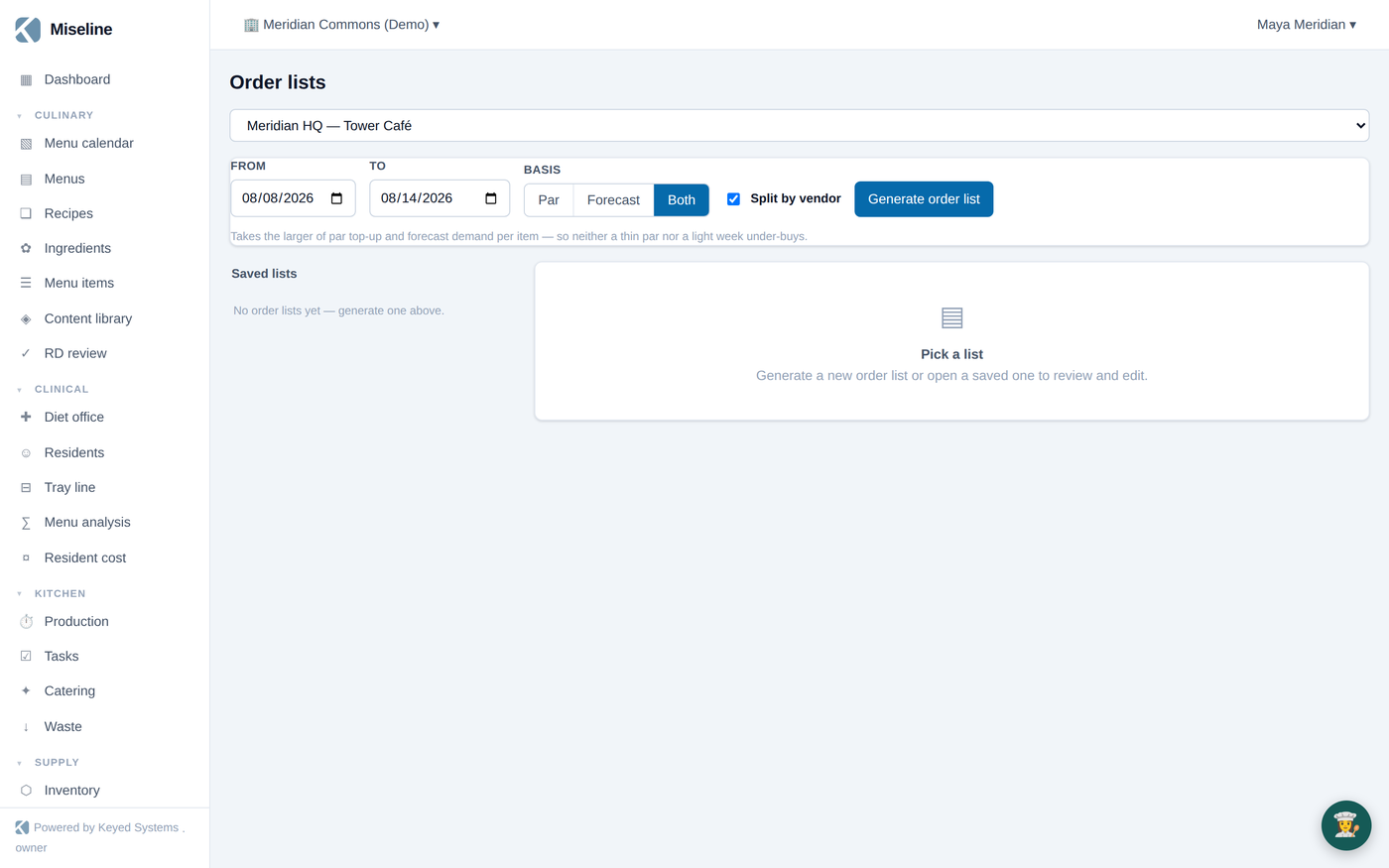
Supply → Order lists generates a shopping list in one click. Pick the site, the period, and the basis:
- Par — bring every item at or below its par or reorder point back up to par.
- Forecast — explode the effective menu and forecast covers (plus live captured orders) into ingredient demand, subtract on-hand.
- Both — take the larger of the two per item.
The generated list shows the math per line — needed, on hand, par, order quantity — rounded up to whole vendor packs and priced at your moving-average cost. Edit quantities, drop lines, or reassign vendors; split by vendor to get one list per supplier; export CSV; and when you mark a list ordered, draft purchase orders are created per vendor automatically.
Order lists are available on Pro and Enterprise plans.
How supply connects
| Event | What happens automatically |
|---|---|
| Receiving a PO | Ledger entries, lots with expiry, updated moving-average cost, price-drift tracking |
| Kitchen finishes a production run | Theoretical consumption recorded for cost variance |
| Waste is logged | Inventory adjusts, cost and sustainability reports update |
| A lot nears expiry | An alert is raised; recall notices can target lots directly |
| Count posted | Book stock corrected with a visible adjustment trail |
Tips
- Link inventory items to ingredients — the link is what lets cost variance compare "what should have been used" with "what actually moved".
- Keep pars honest per season; the Suggestions tab and par-basis order lists are only as good as the pars behind them.
- Receive through purchase orders rather than free-form adjustments wherever possible — you get lots, expiry alerting, and price history for free.