

Recipes, menus & nutrition
The culinary graph is the platform's foundation: ingredients with allergens, diet flags, cost, and nutrition; versioned recipes that roll all of it up; and cycle menus placed on every site's calendar with a dietitian's signature on the line.
What it does
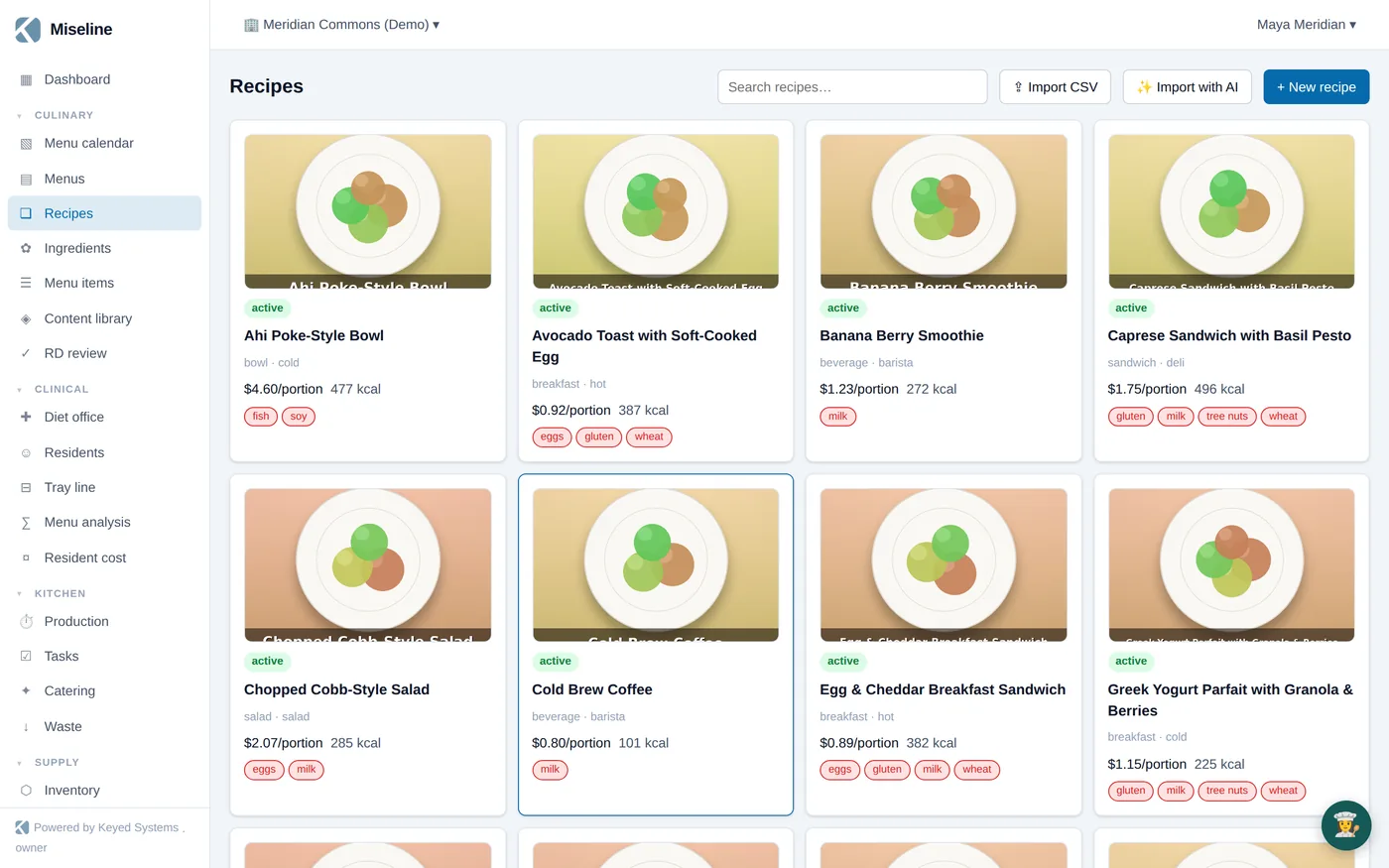
Versioned, costed recipes
Yield, portions, components (ingredients or sub-recipes), method steps with station and equipment, and HACCP CCP temp checks. Publishing snapshots cost per portion, nutrition per portion, and the allergen roll-up.
Big-9 allergens & diet flags
Allergens and diet flags (vegetarian, vegan, GF, halal, kosher, low-sodium, and more) roll up automatically from ingredient to recipe to menu item to published menu — they can't go stale.
IDDSI texture variants
Texture and diet variants — IDDSI levels, mechanical soft, puree, renal — live on the recipe as substitutions, so the tray line and production plan the right version automatically.
Cycle menus on calendars
Daily, cycle, static, and catering menus with day-part and station slots, alternates, and texture variants. Assign a cycle to a site calendar and the effective menu resolves for any date.
RD signoff workflow
Draft → pending review (snapshot frozen) → approved by a credentialed dietitian → published. Editing an approved menu re-opens review; the RD gets a dedicated queue.
Nutrition Facts labels
FDA-style Nutrition Facts panels (2016 daily values, regulation rounding) rendered on the recipe with print support, plus population nutrition analysis against DRI targets.
Watch it work
Recipes to RD-approved cycle menus, against real demo data.
- AI recipe import: photograph the binder page, get an editable draft
- Curated content library: dietitian-style recipe and cycle-menu packs, installed in one click
- Diet profiles warn when a menu leaves a population without a compliant option
- Plate images on recipes and menu items flow to boards and menus
Import your first recipe in minutes.
30-day Pro trial, no card. Shoot a photo of the recipe card and watch it become data.